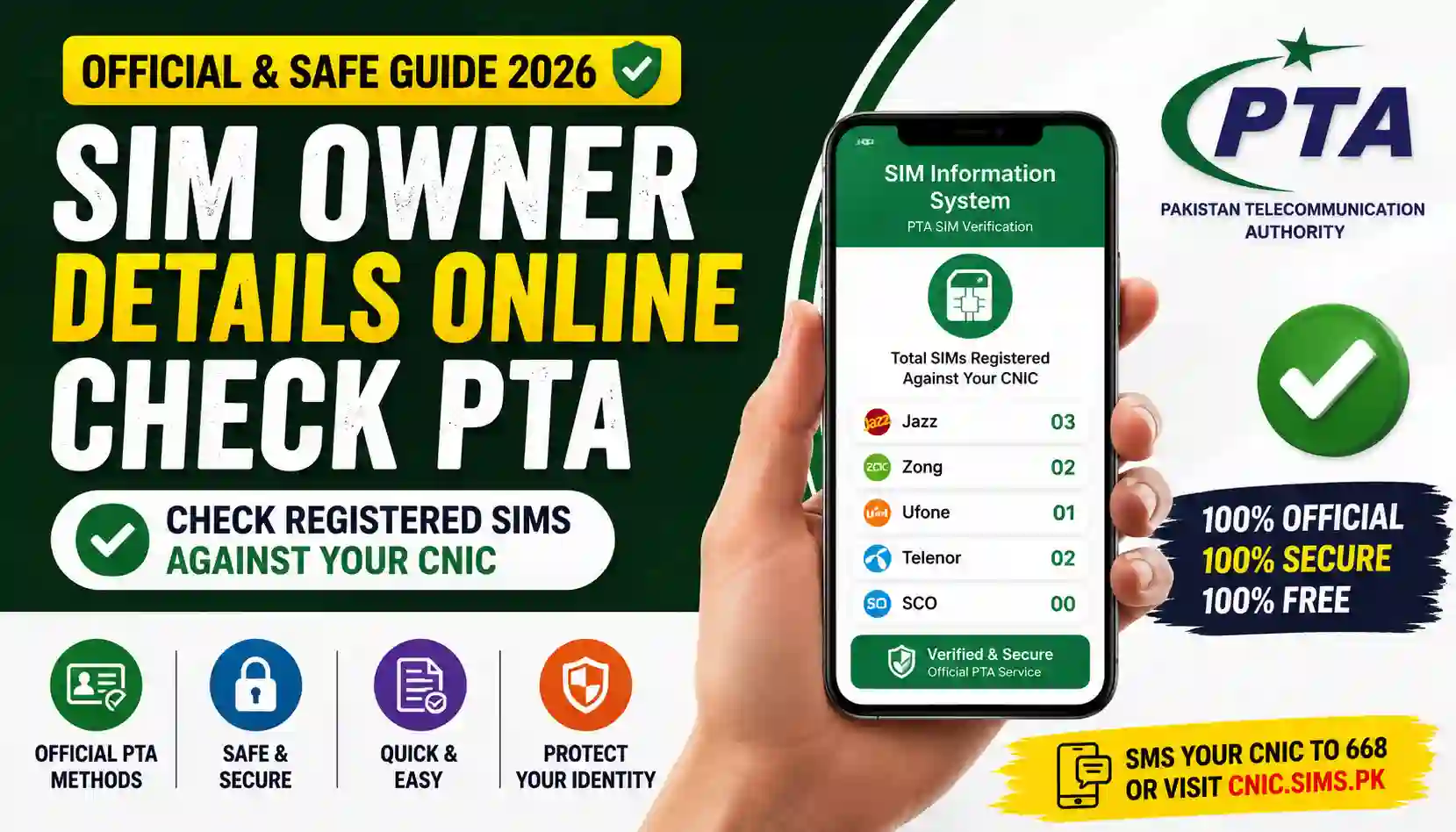
Want to do a sim owner details online check PTA style? Here’s what PTA’s official system really shows, what’s just a myth, and how to check your own CNIC safely.
Search “sim owner details” online and you’ll find dozens of websites promising to reveal a stranger’s name, address, and personal information just by typing in a phone number. It sounds convenient, but here’s the truth: that’s not how PTA’s official system works, and most of those sites aren’t legitimate at all.
This guide clears up the confusion around sim owner details online check PTA style searches. We’ll explain what PTA’s real, official service actually shows, why looking up someone else’s information isn’t allowed, and how you can properly check what’s registered under your own CNIC.
Quick Overview Table
| Detail | Information |
|---|---|
| Official Service | PTA SIM Information System |
| Managed By | Pakistan Telecommunication Authority (PTA) |
| What It Actually Shows | Number of SIMs registered under your own CNIC |
| Does It Show Other People’s Details? | No |
| Access Method | SMS to 668 or official PTA web portal |
| Cost | Free |
| Legal to Check Others’ Data? | No, without their consent |
Clearing Up a Common Myth
Let’s address this directly: there is no official PTA service that lets you type in any phone number and instantly get the owner’s name, address, or CNIC details. This idea is a widespread myth, kept alive by websites that either:
- Display fake or outdated information just to gain clicks, or
- Operate outside legal boundaries, collecting your data instead of actually giving you anything useful.
Under Pakistani law, accessing someone else’s personal information tied to their CNIC without their consent is a privacy violation. PTA’s actual system is built to protect subscriber identity, not expose it to random searchers.
What PTA’s SIM Information System Actually Does
Instead of revealing other people’s details, the real, official PTA service allows you to check something different but equally useful: how many SIM cards are registered under your own CNIC.
This is incredibly useful because:
- It helps you spot unauthorized SIMs issued in your name without your knowledge.
- It keeps your mobile identity accurate and accountable.
- It’s the only legitimate self-check tool PTA offers to the public.
So while you can’t check “who owns this number,” you absolutely can check “what’s registered under my identity” — and that’s the version of this search that’s both legal and genuinely helpful.
How to Do a Proper SIM Check on Your Own CNIC
Here’s how the legitimate process works:
Step 1: Choose Your Method
You can check your own SIM count in two official ways:
- SMS Method: Send your 13-digit CNIC number (no dashes) to 668.
- Online Method: Visit the official PTA website and use their SIM Information web-link.
Step 2: Enter Your CNIC Correctly
Whichever method you choose, make sure your CNIC is entered without dashes or spaces for accurate results.
Step 3: Review Your Results
You’ll receive a count of SIMs per operator — Jazz, Zong, Telenor, and Ufone — registered under your CNIC.
Step 4: Compare Against What You Own
If the numbers don’t match what you personally use, it’s time to look into it further.
What to Do If You Find an Unauthorized SIM
- Visit the relevant operator’s franchise with your original CNIC.
- Request formal disowning of the unrecognized SIM.
- Complete biometric verification, usually a quick thumbprint scan.
- Recheck via 668 or the online portal after a couple of days to confirm removal.
Overseas Pakistanis can use PTA’s dedicated online facility to handle this remotely without visiting a franchise in person.
Required Documents
- Your own valid, original CNIC
- A phone with an active SIM, for the SMS method
- Internet access, if using the online portal instead
- A record of the numbers you personally use, for accurate comparison
Benefits of Doing This the Right Way
- Stays within legal boundaries, protecting both you and others
- Gives accurate, official results instead of unreliable third-party guesses
- Helps you catch unauthorized SIMs early, before they cause bigger issues
- Completely free, with no hidden charges or shady sign-ups
- Builds a habit of digital identity awareness, which is increasingly important
Contact Details Table
| Operator | Helpline | Official Check Method |
|---|---|---|
| Jazz | 111 | SMS/Online via CNIC |
| Zong | 310 | SMS/Online via CNIC |
| Telenor | 345 | SMS/Online via CNIC |
| Ufone | 333 | SMS/Online via CNIC |
| PTA Complaint Portal | Available online | complaint.pta.gov.pk |
Staying Safe Online
- Avoid any website that claims to reveal a stranger’s SIM owner details instantly — these are almost never legitimate.
- Never enter your CNIC on unofficial or unfamiliar websites.
- Only trust PTA’s official SMS code or web portal for checking your own information.
- Report suspicious websites if you come across ones falsely claiming to offer this service.
Frequently Asked Questions (FAQs)
Q1: Can I really find out who owns a phone number using PTA’s system? No, PTA’s official service only allows you to check SIMs registered under your own CNIC, not someone else’s personal details.
Q2: Are websites that claim to show “SIM owner details” for any number legitimate? Most are not official PTA services, and some may misuse the information you enter. It’s best to avoid them entirely.
Q3: Is checking someone else’s SIM owner details legal in Pakistan? No, accessing another person’s personal data linked to their CNIC without consent is against privacy regulations.
Q4: What’s the correct way to check my own SIM information? Send your 13-digit CNIC to 668 via SMS, or use PTA’s official online SIM Information portal.
Q5: Does PTA charge any fee for this service? No, checking your own SIM count through official channels is completely free.
Q6: What should I do if I’ve already entered my CNIC on a suspicious website? Monitor your accounts for unusual activity, avoid the site going forward, and consider checking your own SIM count through official PTA channels to confirm nothing has changed.
Final Thoughts & Call to Action
A sim owner details online check PTA style search often leads people down the wrong path, toward sites that don’t actually deliver what they promise. The real, legal, and useful version of this check is simple: verify what’s registered under your own CNIC using PTA’s official 668 code or web portal — nothing more, nothing less.
Looking for more trustworthy, easy-to-follow guides? Visit Apk eSim for practical articles on SIM verification, eSIM setup, and mobile safety tips designed for everyday users in Pakistan. For official policies and updates, always refer to the Pakistan Telecommunication Authority (PTA) website.
Stay smart, stay within the rules, and always check your own SIM details through official channels only.