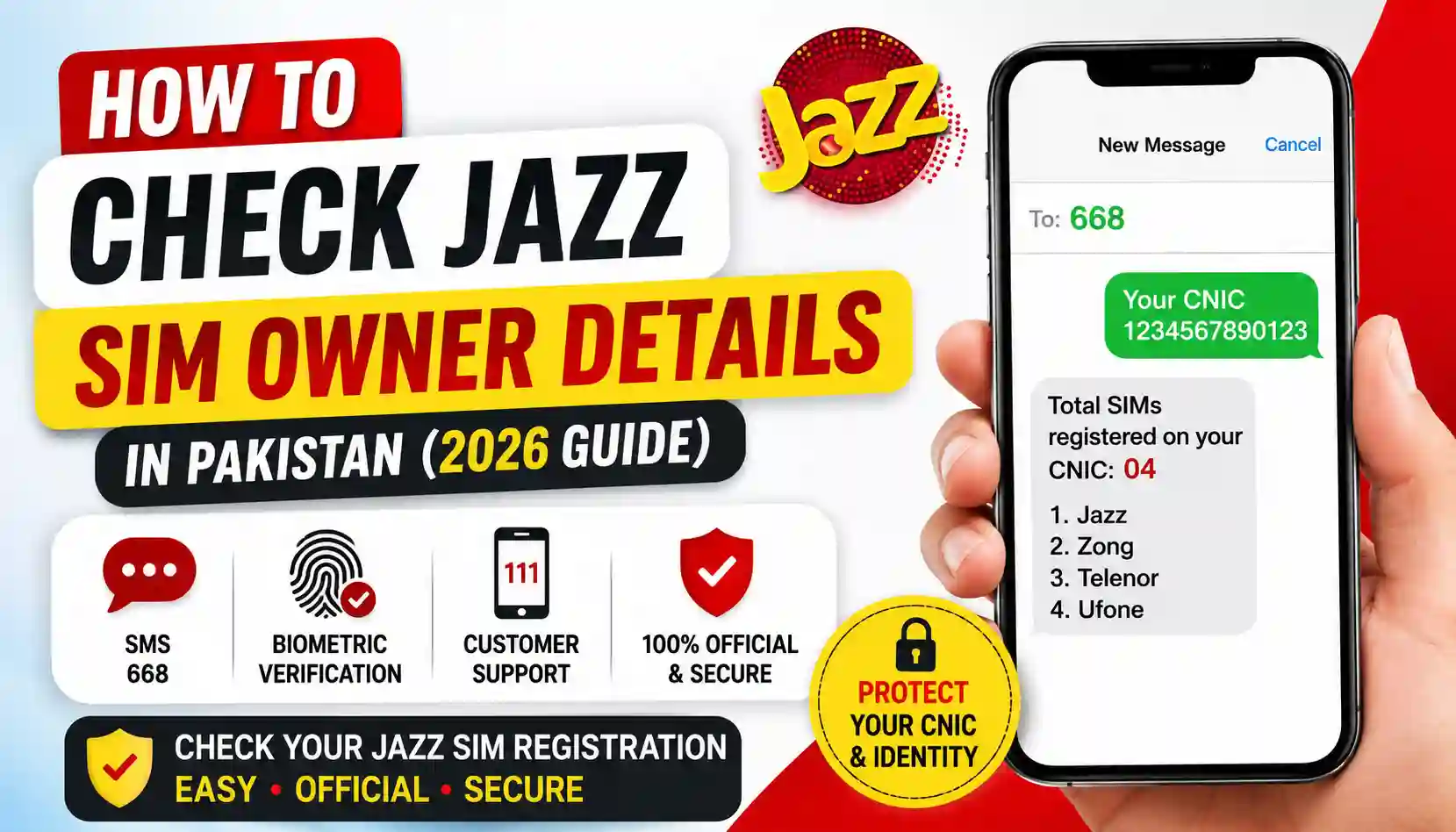
Want to know how to check Jazz sim owner details the right way? Learn the official PTA-approved method, required documents, benefits, and FAQs in this easy guide.
If you’ve ever typed “how to check Jazz sim owner details” into Google, you’re not alone. Thousands of people in Pakistan search for this every day. Maybe you got a new Jazz number and want to confirm it’s registered under your name. Maybe you’re worried someone opened a SIM using your CNIC without your knowledge. Whatever the reason, there’s a safe, legal, and official way to do this — and this guide walks you through it step by step.
It’s important to understand something upfront: Pakistan’s telecom regulator, the Pakistan Telecommunication Authority (PTA), only allows people to check SIMs registered against their own CNIC. Looking up someone else’s personal information without their consent is not legal, and no genuine service can (or should) provide that. This guide focuses entirely on the correct, PTA-compliant process.
Quick Overview Table
| Detail | Information |
|---|---|
| Service Name | SIM Information System (Self-Check) |
| Regulated By | Pakistan Telecommunication Authority (PTA) |
| Applicable Networks | Jazz, Zong, Ufone, Telenor |
| Check Method | SMS or Dial Code |
| Dial Code | *8484# |
| SMS Number | 668 |
| Cost | Free of charge |
| Time Required | Instant reply |
| Eligibility | Only your own CNIC |
Why People Want to Check SIM Owner Details
There are several genuine reasons people search for this information:
- To confirm a new Jazz SIM is correctly registered in their name
- To check how many SIMs are active on their CNIC
- To spot unauthorized SIMs issued using stolen identity documents
- To stay compliant with PTA’s biometric verification rules
- To simply verify their own account details before reporting an issue
Since your CNIC can be linked to a limited number of SIMs, keeping track of this is genuinely useful — and it’s completely free to do.
Official Method: How to Check Jazz Sim Owner Details
Here’s the simplest and most trusted way, straight from PTA’s own system.
Method 1: Using the Dial Code
- Open your phone’s dialer.
- Dial *8484# from any active SIM (Jazz, Zong, Ufone, or Telenor).
- You’ll receive an on-screen prompt.
- Enter your 13-digit CNIC number (without dashes).
- Press send.
- You’ll instantly receive the total number of SIMs registered against your CNIC.
Method 2: Using SMS
- Open your messaging app.
- Type your CNIC number.
- Send it to 668.
- Wait a few seconds for the automated reply showing your SIM details.
Both methods are free, fast, and work on any mobile network in Pakistan.
Required Documents
To use this service or to visit a Jazz franchise for further verification, keep these documents handy:
- Original CNIC (Computerized National Identity Card)
- Copy of CNIC (for franchise visits)
- Mobile number currently in use (if verifying a specific SIM)
- Thumb impression (only if biometric re-verification is required at a franchise)
Having these ready saves time and avoids repeat visits.
Benefits of Checking Your SIM Owner Details
Regularly checking your registered SIMs comes with real advantages:
- Security: Detect unauthorized SIMs issued under your identity.
- Compliance: Stay within PTA’s limit of SIMs per CNIC.
- Peace of Mind: Confirm your number is properly registered.
- Fraud Prevention: Catch identity misuse early before it causes financial or legal trouble.
- Convenience: The entire process takes less than a minute and costs nothing.
This small habit can protect you from bigger headaches down the road, especially with rising cases of SIM fraud in Pakistan.
What to Do If You Find an Unknown SIM
If your CNIC shows a SIM you didn’t register:
- Visit your nearest Jazz franchise with your original CNIC.
- Request the block or ownership transfer of the unknown number.
- If needed, report the issue to PTA directly for further action.
- Keep a record of the complaint reference number for follow-up.
Acting quickly helps prevent misuse of your identity for illegal activities.
Contact Details Table
| Service | Contact Info |
|---|---|
| Jazz Helpline | 111 (from Jazz number) |
| PTA Complaint Center | 0800-55055 |
| PTA Official Website | https://www.pta.gov.pk |
| SIM Check Dial Code | *8484# |
| SIM Check SMS Number | 668 |
Frequently Asked Questions (FAQs)
Q1: How can I check Jazz sim owner details for free? You can dial *8484# or send your CNIC number via SMS to 668. Both methods are free and give an instant response.
Q2: Can I check someone else’s SIM owner details? No. PTA’s system only allows you to check SIMs registered against your own CNIC. This protects everyone’s privacy and personal data.
Q3: How many SIMs can be registered on one CNIC? PTA allows a maximum number of SIMs per CNIC across all networks, and the exact limit may be updated by PTA from time to time. Always check the official PTA website for the current limit.
Q4: What should I do if an unknown SIM is registered on my CNIC? Visit your nearest Jazz franchise with your original CNIC and request that the unknown SIM be blocked or investigated.
Q5: Is this service available for all networks, not just Jazz? Yes, the *8484# and SMS 668 service works across Jazz, Zong, Ufone, and Telenor networks.
Q6: Does checking my SIM details cost anything? No, this service is completely free of cost and provided directly by PTA.
Final Thoughts & Call to Action
Knowing how to check Jazz sim owner details the right way keeps you informed, protected, and compliant with PTA regulations — all in under a minute, without spending a single rupee. Make it a habit to verify your registered SIMs every few months for added peace of mind.
Want more helpful guides on SIMs, eSIMs, and mobile services in Pakistan? Explore more useful articles and tools at Apk eSim and stay updated with everything you need to manage your mobile connections smartly and safely.
For official rules and updates, always refer to the Pakistan Telecommunication Authority (PTA) official website.